
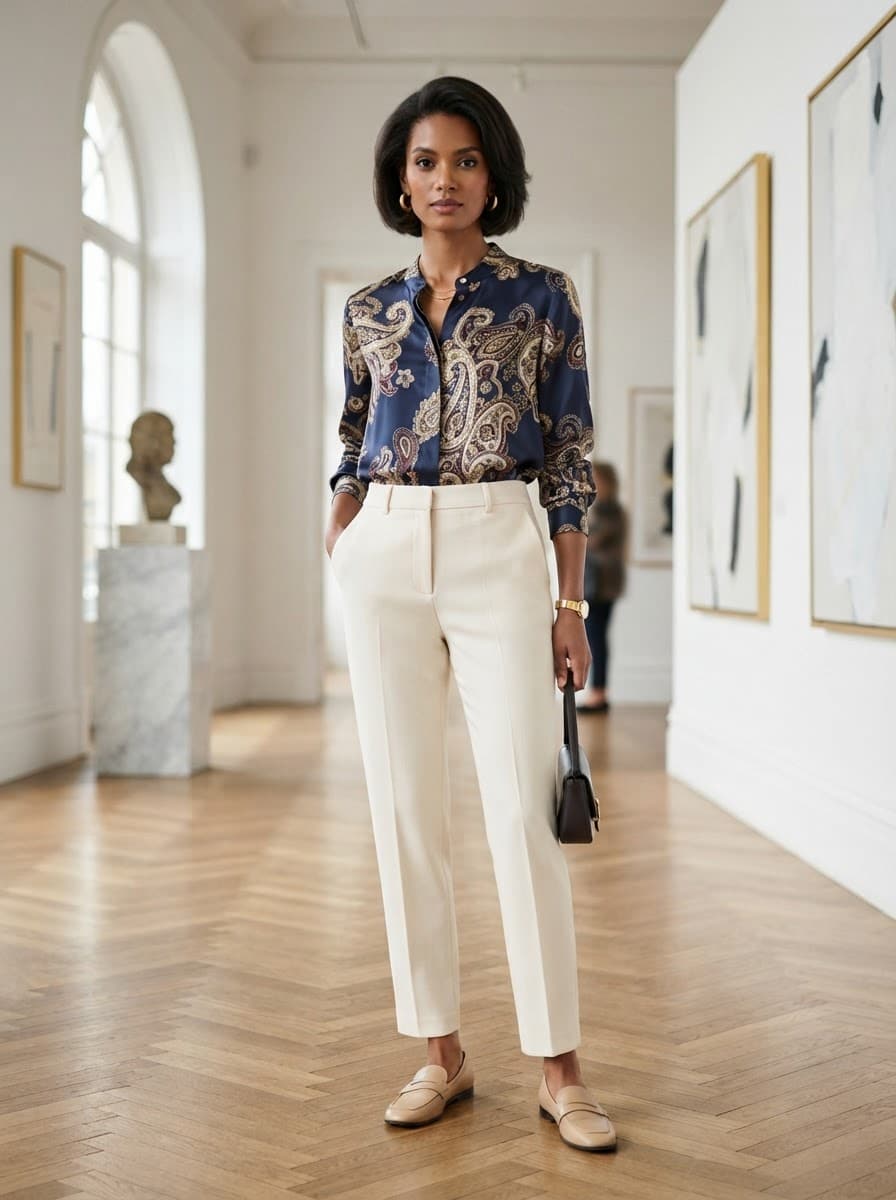
Tops and shirts, styled on a model.
Shirts, blouses, tees and knitwear — shown worn, tucked and styled, with the collar, sleeve and fit details shoppers check before they buy.
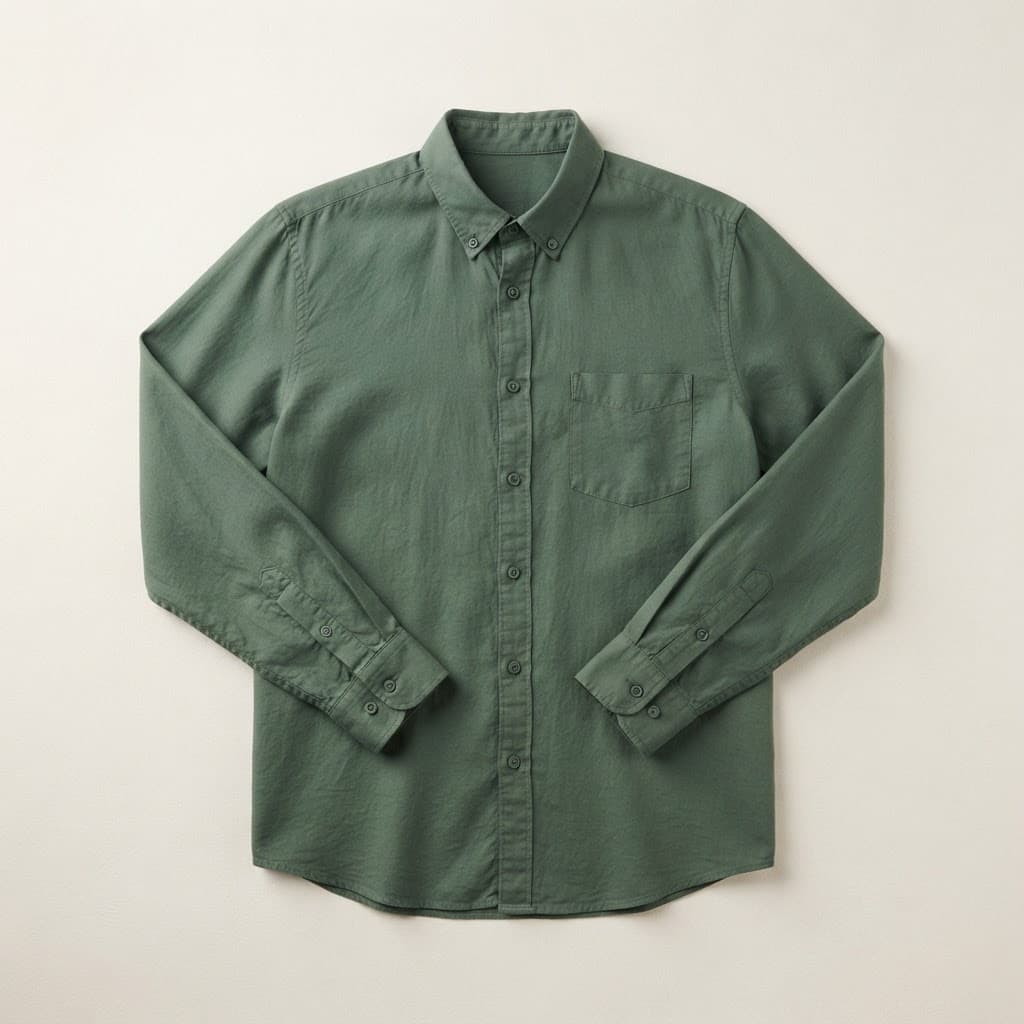
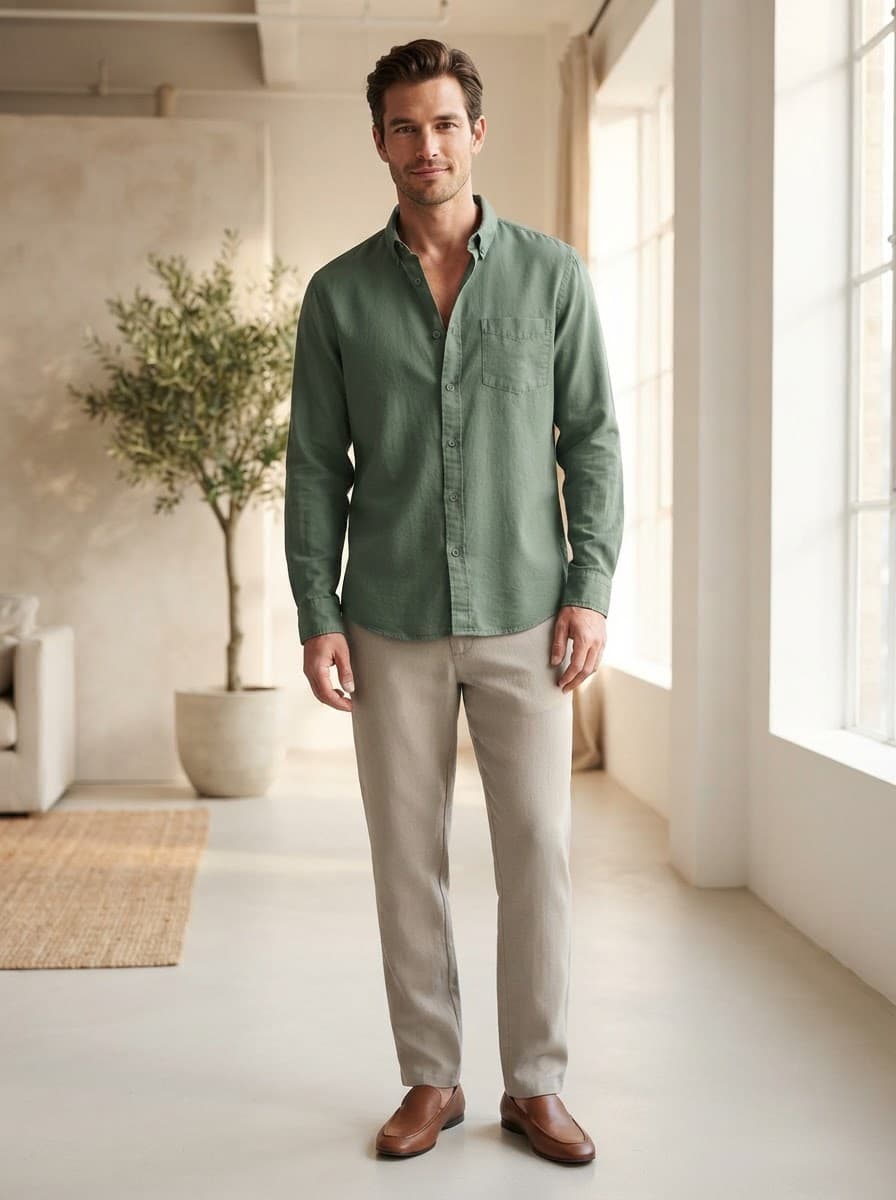
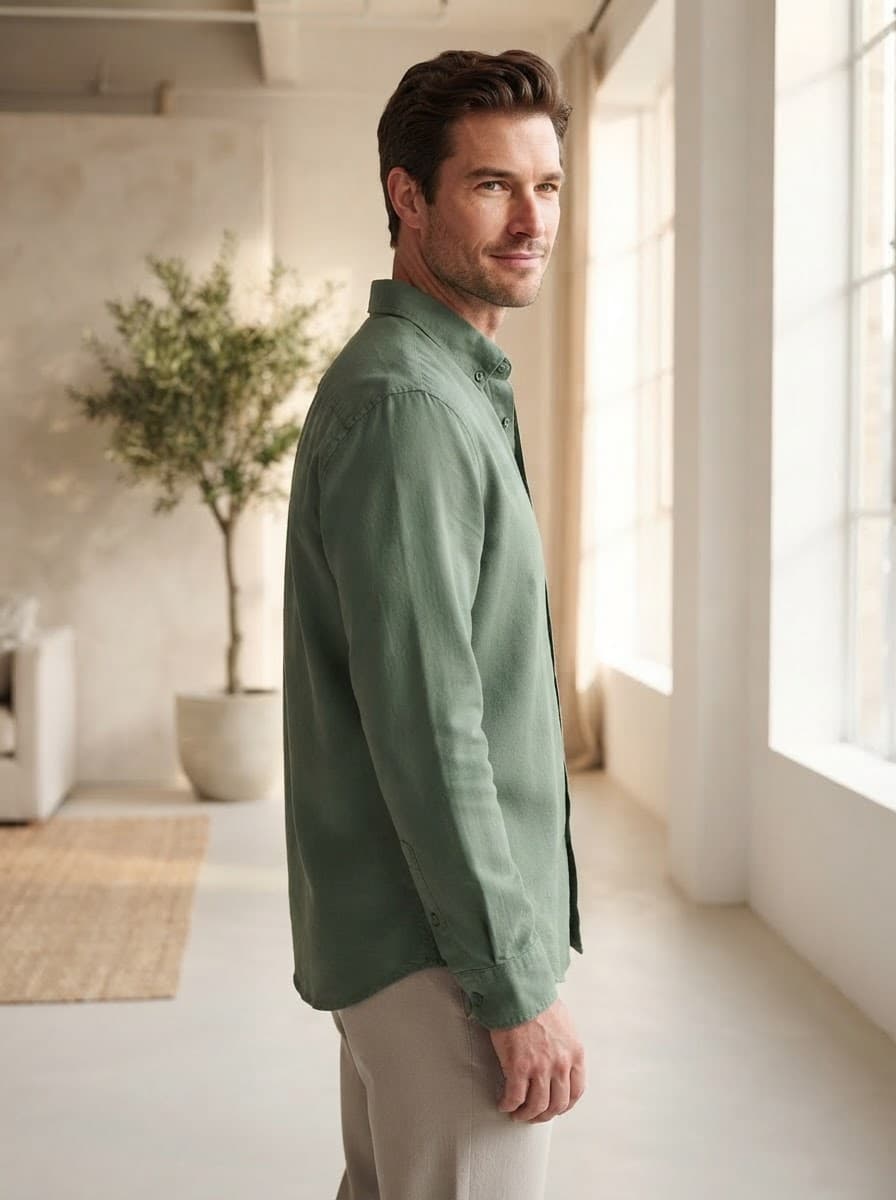
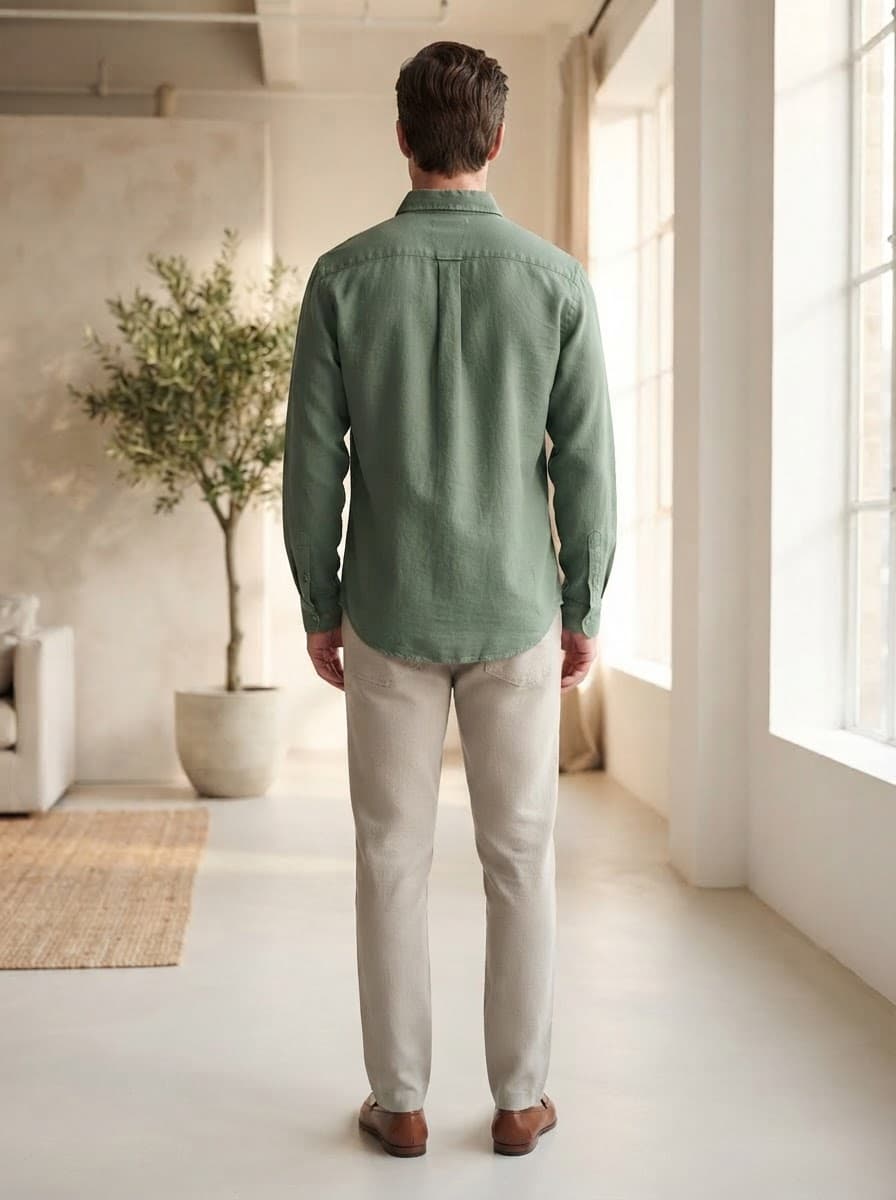
What shoppers look for in a top
Fit on the body
Relaxed, regular or fitted is only really visible on a model.
Collar and neckline
A mandarin collar, a V-neck or a boat neck — captured in the image and the attributes.
How to wear it
Styled with bottoms so the shopper can picture the full outfit.
What Pixigen captures for tops
- Type
- Neckline
- Sleeve length
- Sleeve styling
- Fit
- Length
- Fabric
- Print or pattern
- Base & secondary colour
- Closure
- Design details
- Occasion
- Season
- Style
Print and pattern, kept intact
Prints are where generated imagery most often goes wrong. Pixigen is built to carry your print, pattern and colour across from the photo you upload, and every image waits for your review before it goes live.
Frequently asked questions
Does it work for menswear shirts?
Yes. Men's shirts are shown on male models — see AI photography for menswear.
Can it handle printed blouses?
Yes. Print and pattern are extracted as attributes and preserved in the on-model image; check intricate prints at review.
Every product deserves a proper page.
Start with five products free. See what a finished listing looks like — on-model images, attributes, copy and SEO — before you pay anything.