
One photo in, a full gallery out.
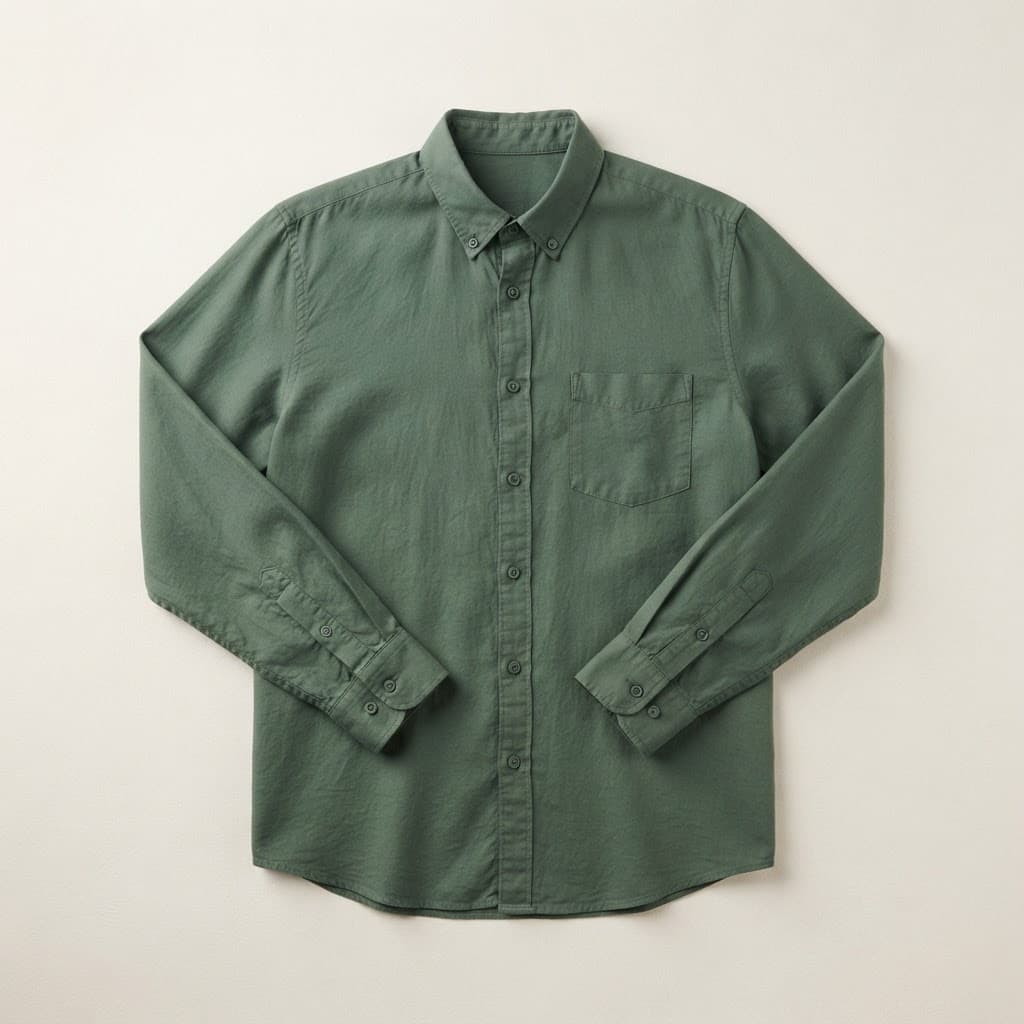
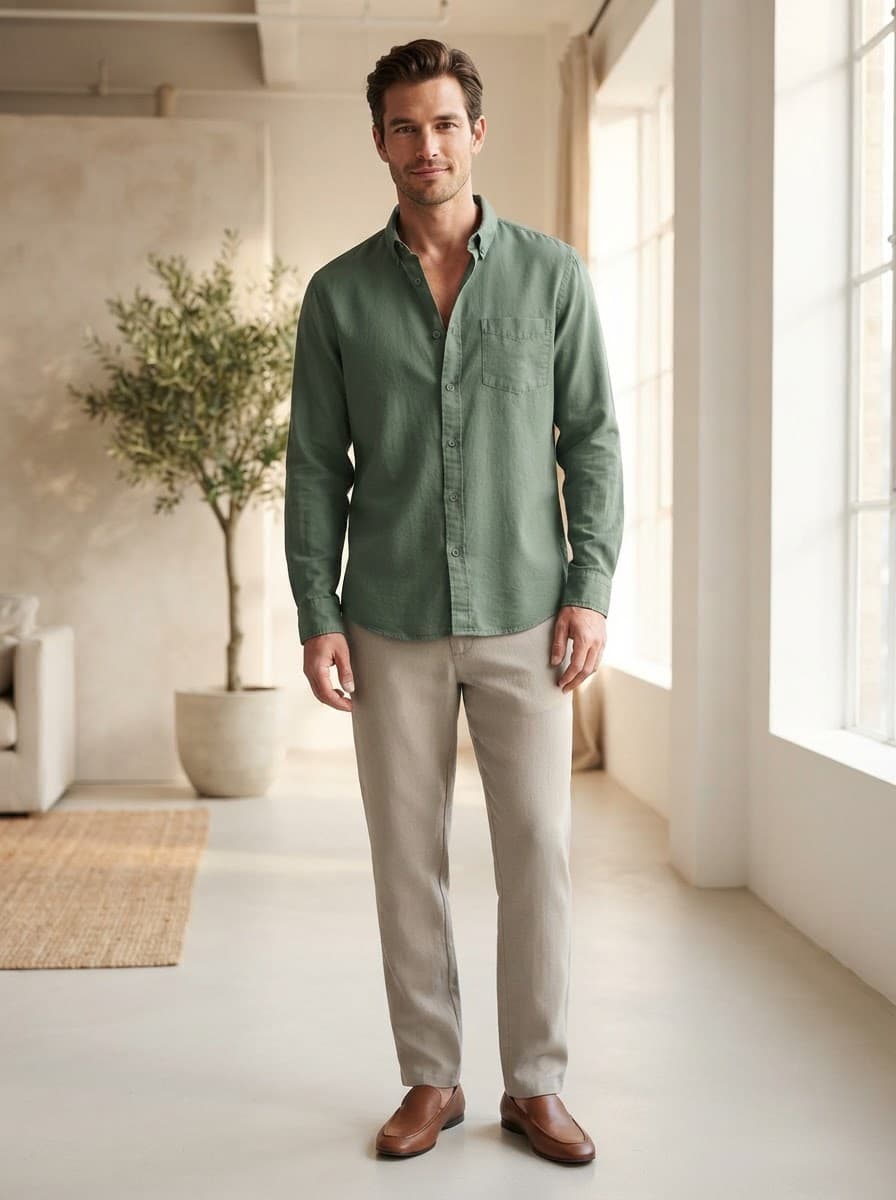
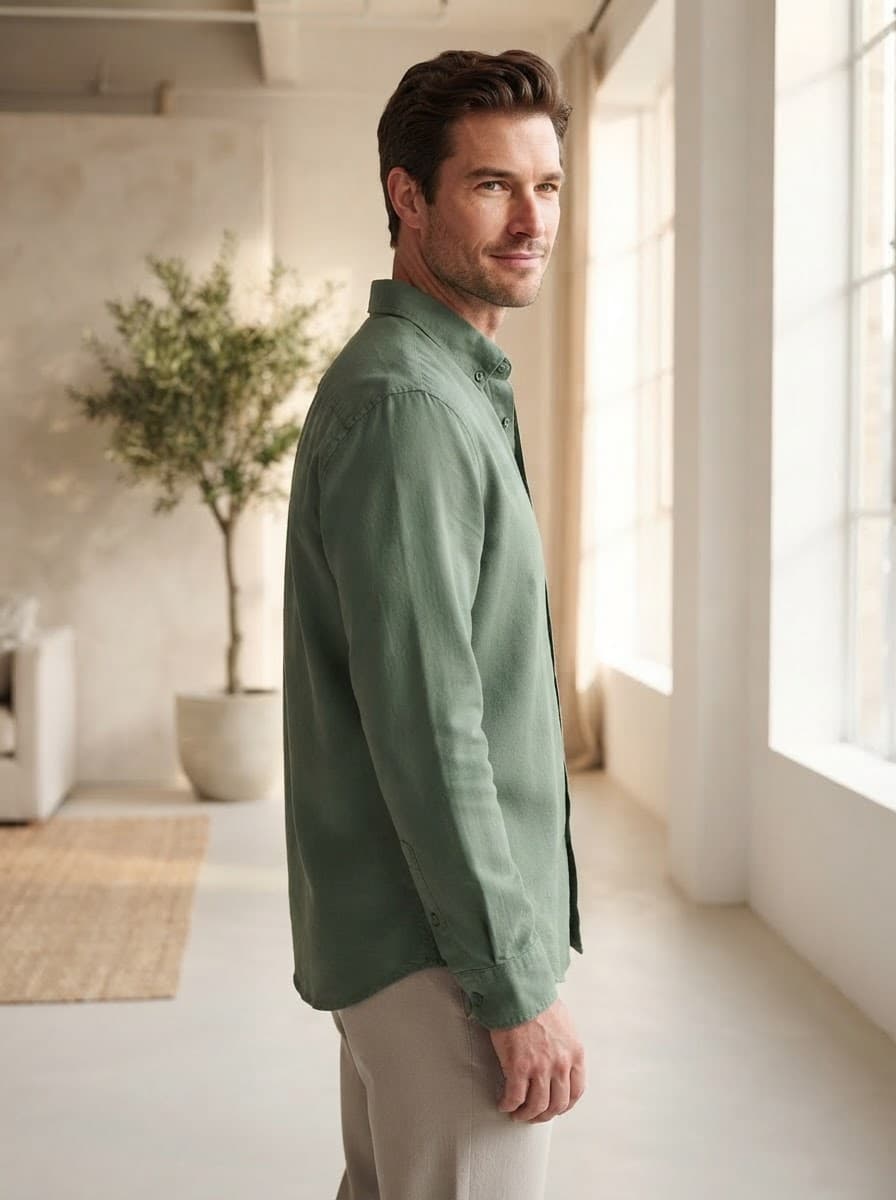
A single product image reads as an unfinished page. Pixigen generates three shots from the same virtual shoot — a hero image plus two more with a different angle, pose or framing — so every listing opens with a gallery.
Why every product needs more than one image
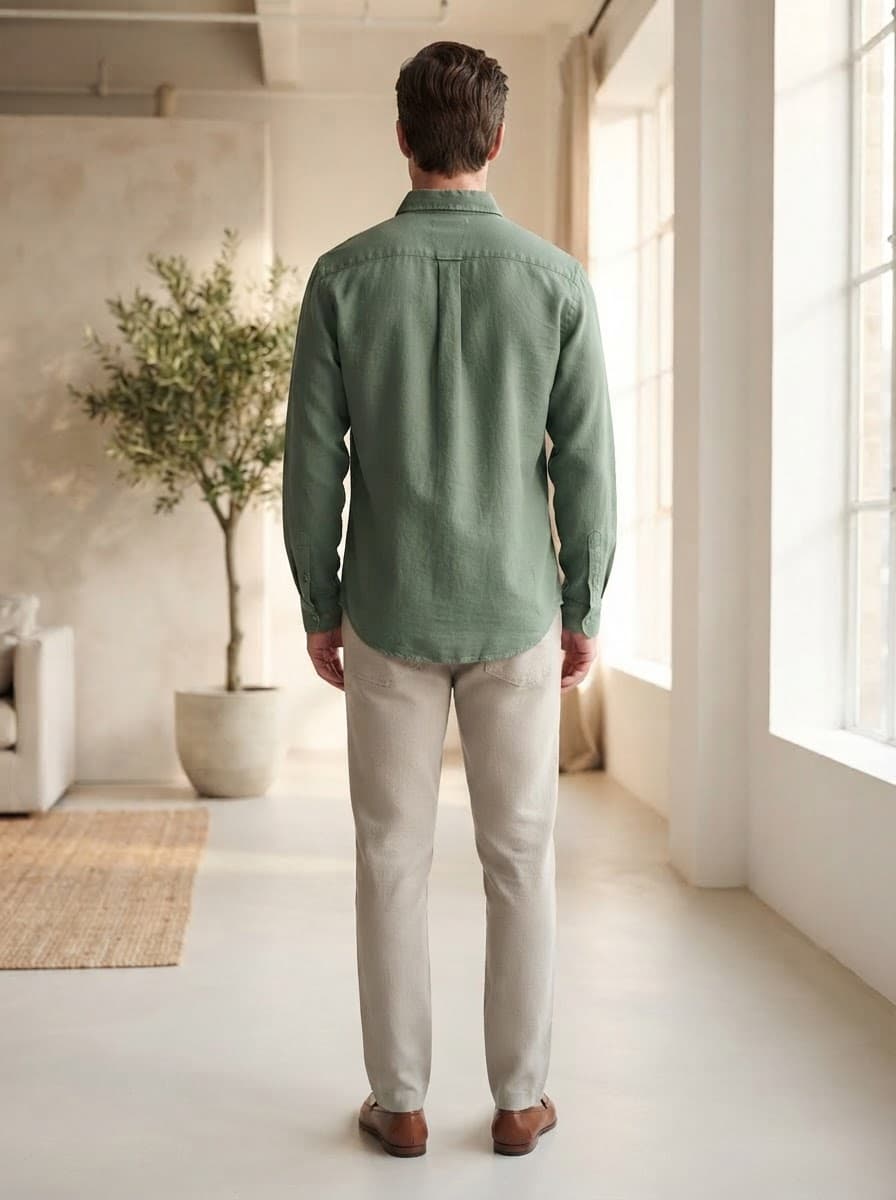
A complete product gallery
Marketplaces and search engines favour listings with several images. A single photo reads as an unfinished page.
More of the product, seen
Different angles and framings show more of the cut and the detail than one shot can.
One consistent shoot
The second and third shots are generated from the first, keeping the same model, setting, light and colour palette.
From one photo to a full gallery
- 01
Upload once
The same product photo you would use for anything else.
- 02
Three shots generated
A hero shot first, then two more from the same shoot with the angle, pose or framing varied.
- 03
Approve and publish
Review the gallery. With Shopify connected, the images sync to the product when you publish.
Frequently asked questions
Can I choose specific angles, like the back view?
Not at the moment. The second and third shots vary the angle, pose and framing automatically. If a detail such as the back of a garment matters, check the generated gallery before you publish.
Are the shots consistent with each other?
Yes — the later shots are generated from the first one, keeping the same model, setting and lighting, so they read as one shoot.
Every product deserves a proper page.
Start with five products free. See what a finished listing looks like — on-model images, attributes, copy and SEO — before you pay anything.