
Your garment, on a model, from one photo.
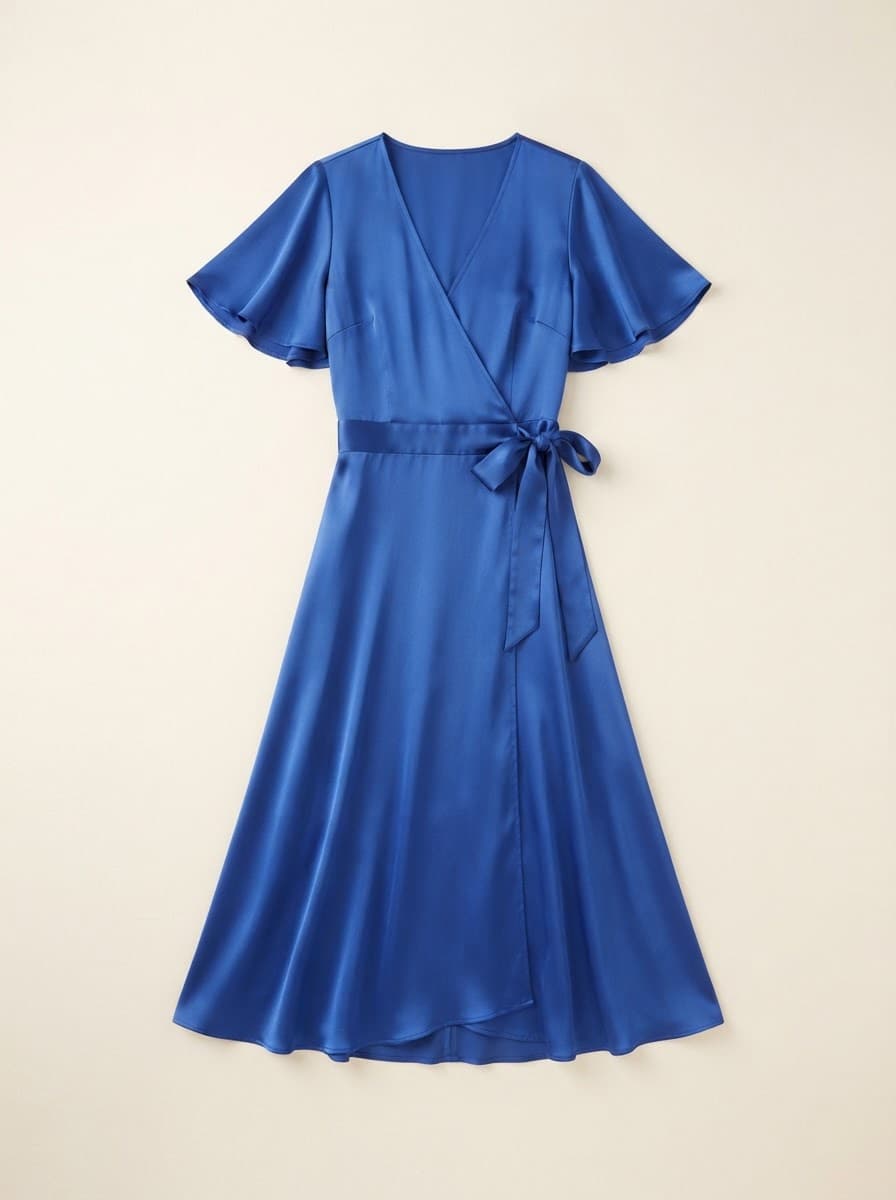
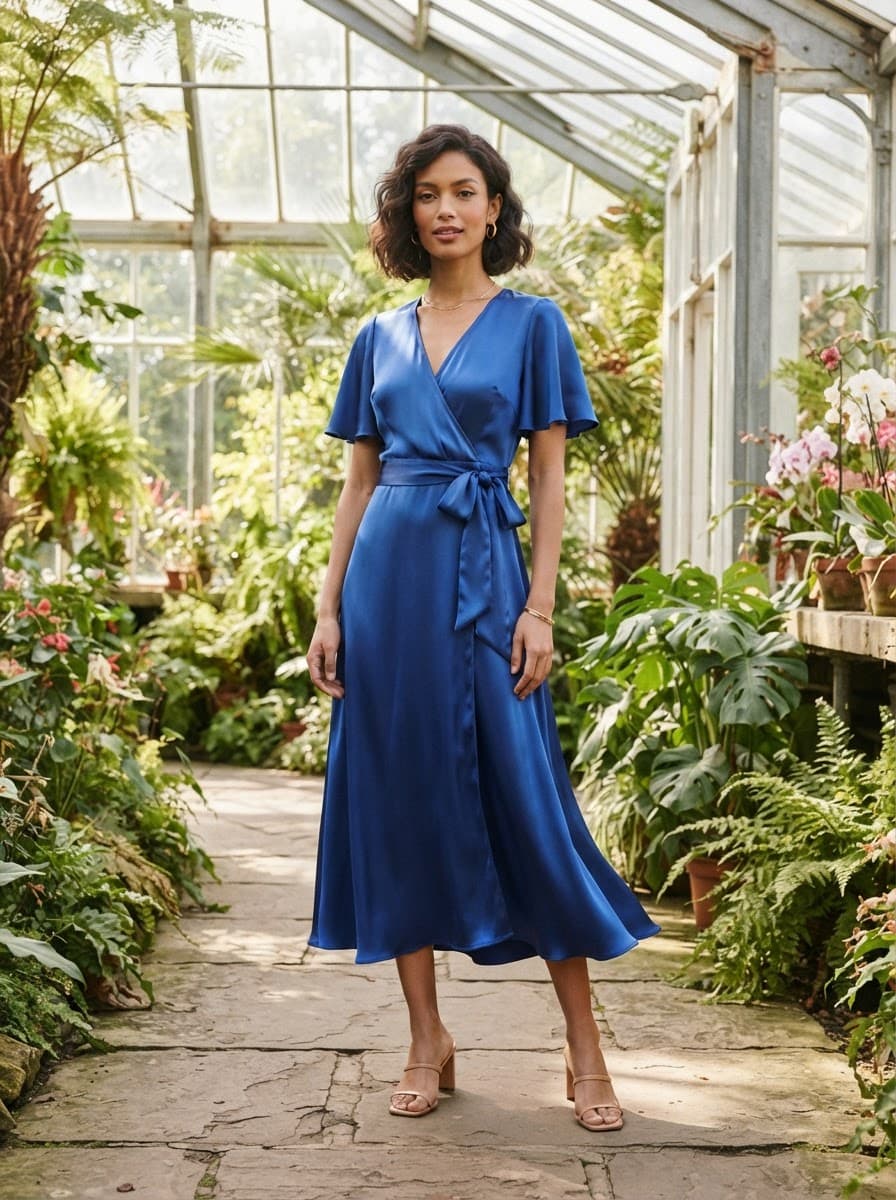
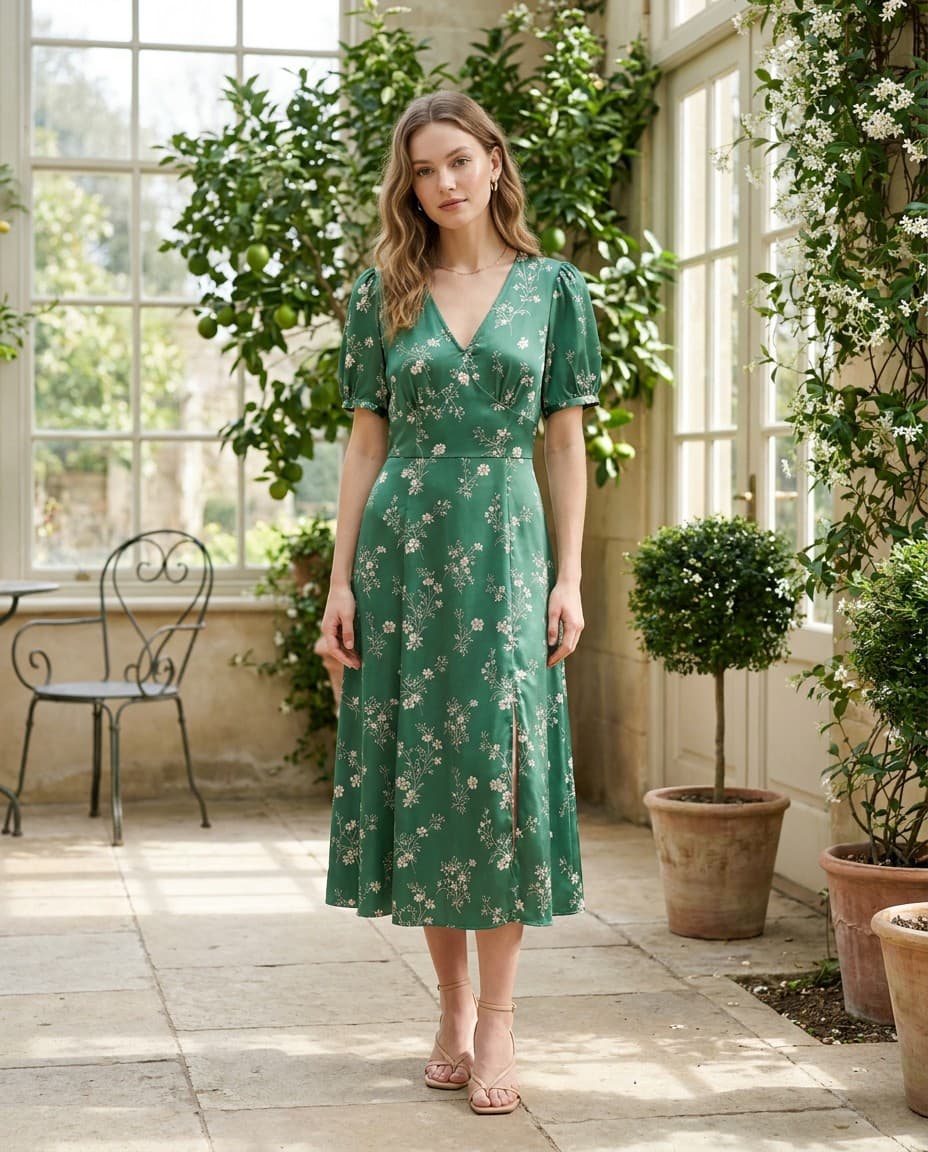
Upload the product photo you already have. Pixigen dresses a model in it — keeping the cut, the colour and the print — so every listing shows how the piece actually wears.
Why shoppers need to see it worn
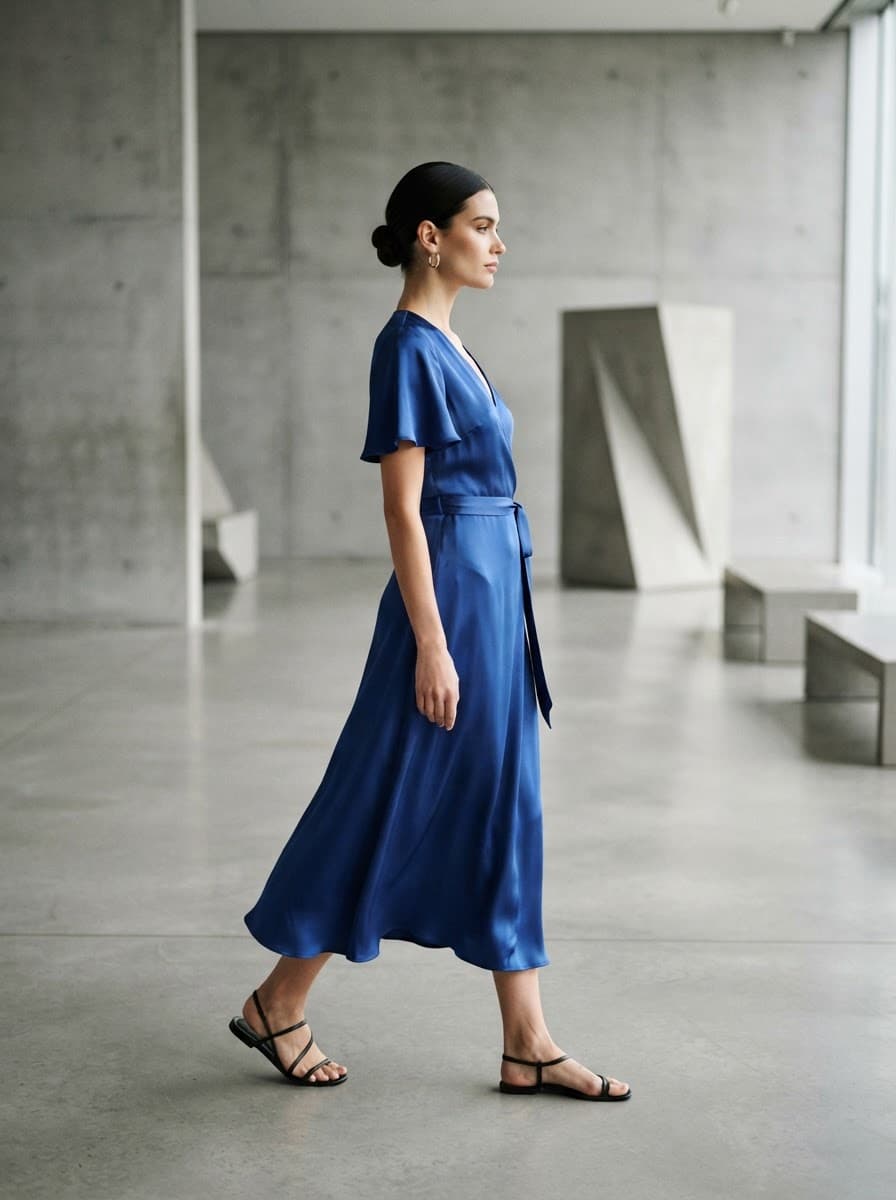
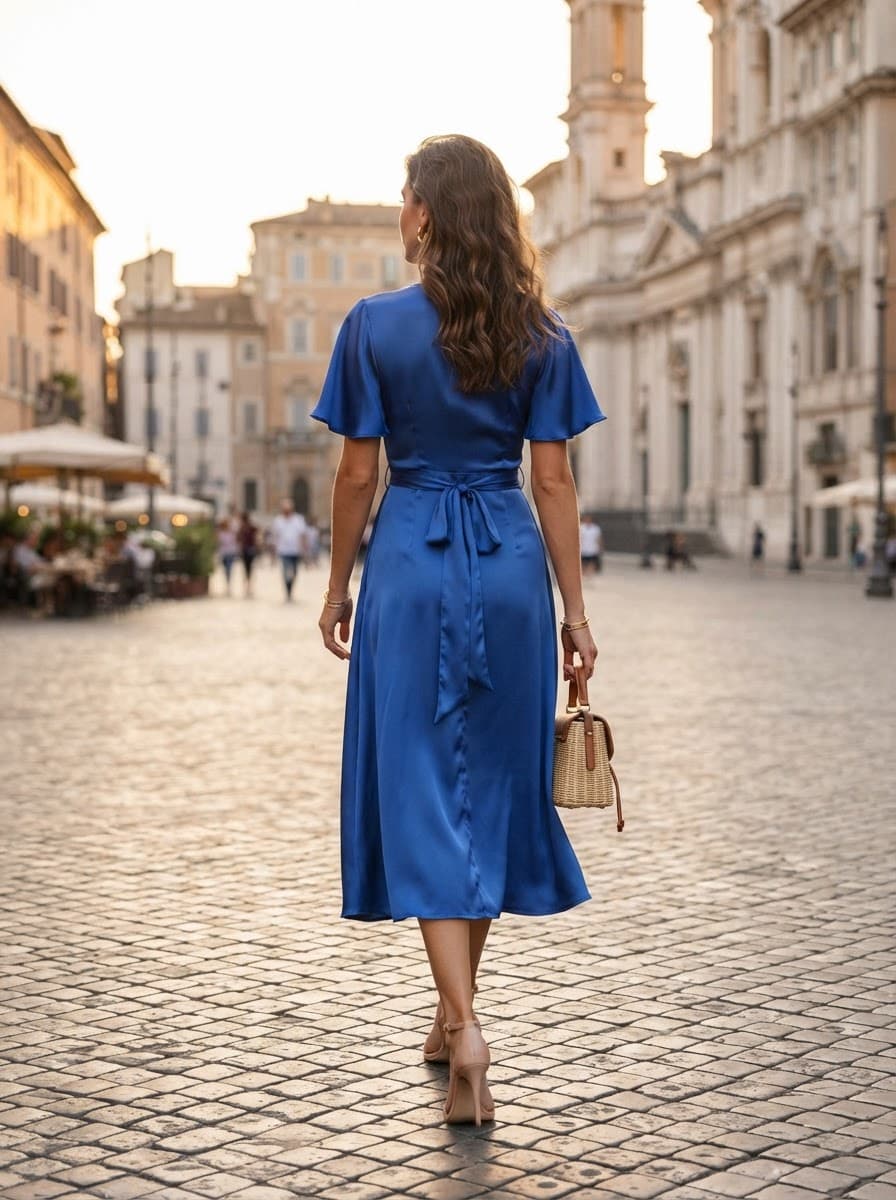
A flat-lay tells a shopper what a garment is. A model tells them how it hangs, where it sits and how long it runs — the questions that decide whether they buy or bounce.
Fit and drape, visible
Length, silhouette and the way fabric falls are obvious on a body and invisible on a table.
No shoot to schedule
No model booking, no studio day, no reshoot when a new colourway lands. The photo you have is enough.
Consistent across the catalog
Every product gets the same standard of imagery, not just the hero SKUs a shoot budget could stretch to.
Menswear and womenswear
Models are matched to the product's audience, so a men's shirt is shown on a man and a dress on a woman.
How it works
- 01
Upload a product photo
Flat-lay, hanger, mannequin or ghost-mannequin. One clear, well-lit image of the whole garment is all it needs.
- 02
Pixigen reads the garment
The category, the audience and the details that must survive — neckline, sleeve, print, hemline — are detected first, so the model shot is built around them.
- 03
Review the on-model images
Three shots from one virtual shoot are generated for you to review. Nothing reaches your store until you publish it.
Built to keep the product honest
A generated image is only useful if the customer receives what they saw. Pixigen is built to preserve the colour, pattern and construction of the photo you upload rather than invent a more flattering version of it.
Because the images are generated, every one waits in your catalog for review. You decide what goes live — nothing is published until you choose to publish it.
Frequently asked questions
What kind of photo do I need?
One clear photo of the whole product — flat-lay, on a hanger, on a mannequin or ghost-mannequin. Even lighting and a plain background give the best results.
Will the model image match my product exactly?
Pixigen is built to preserve the cut, colour and detail of your photo, but the images are generated, so every one waits for your review before anything is published.
Can I choose between male and female models?
The model is matched to the product's audience — menswear on men, womenswear on women — which Pixigen detects from the product itself.
Every product deserves a proper page.
Start with five products free. See what a finished listing looks like — on-model images, attributes, copy and SEO — before you pay anything.