
Every product, in the right place.
Pixigen detects what each product is — from dresses to sarees to watches — applies the attributes that category needs, and can set Shopify's own product category from a verified taxonomy match.
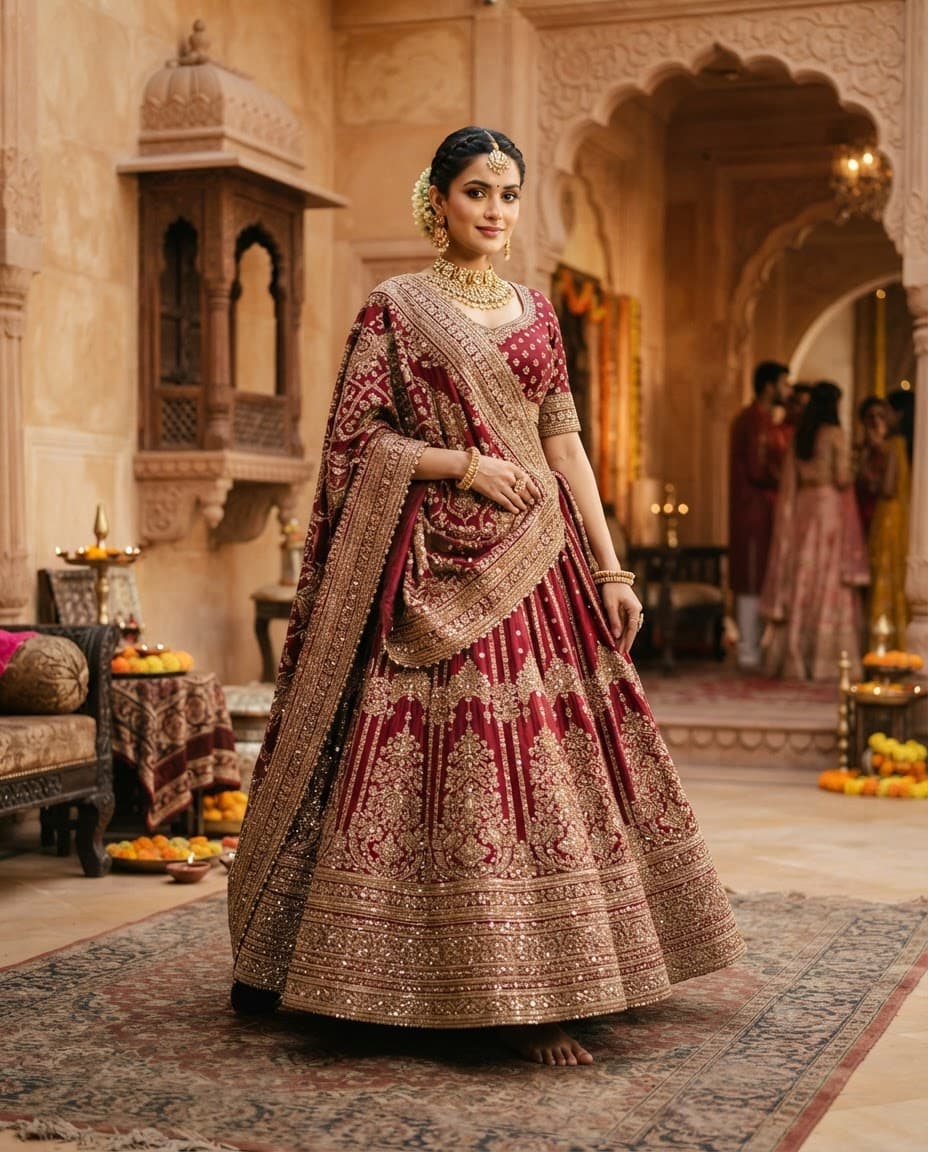

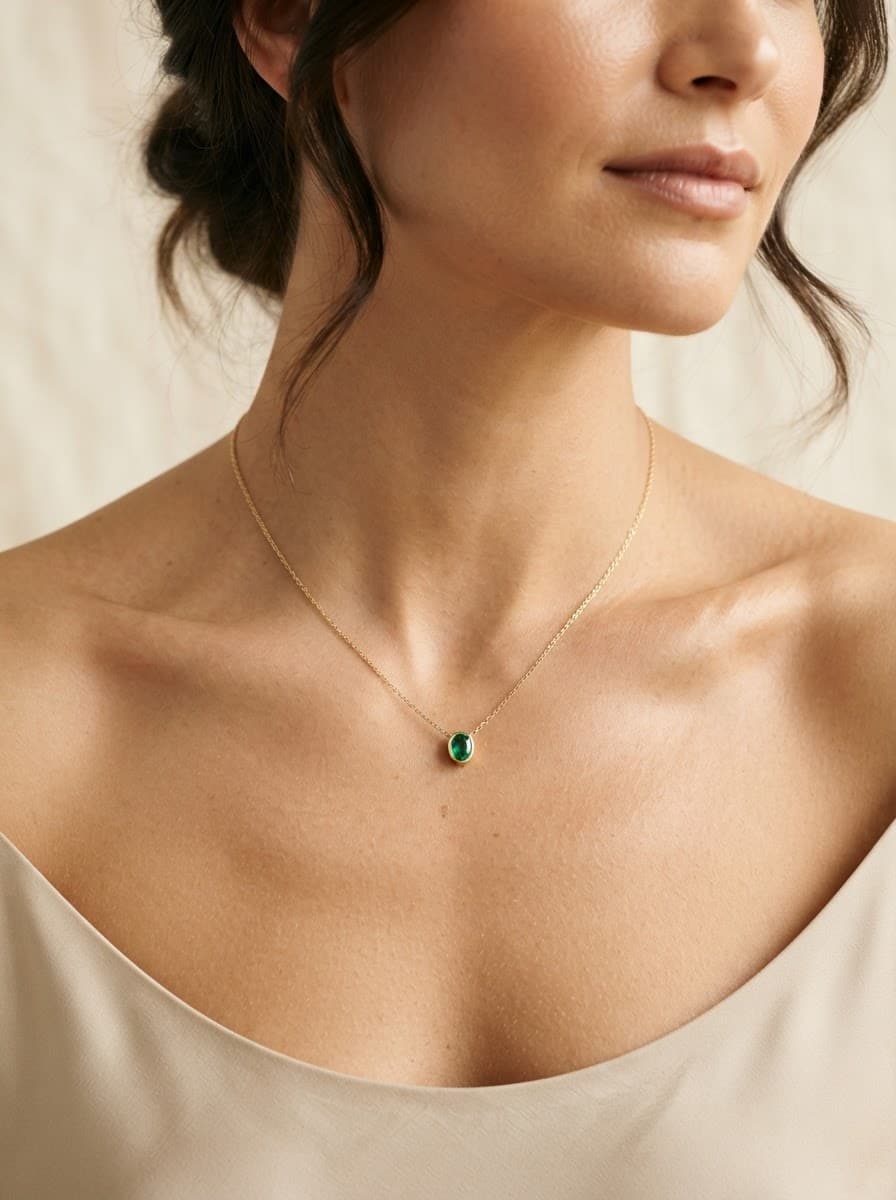
24 fashion & wearable categories
Grouped the way merchandisers think about them.
- Dresses
- Jumpsuits & Rompers
- Tops
- Pants & Trousers
- Jeans
- Shorts
- Skirts
- Swimwear
- Outerwear
- Innerwear & Sleepwear
- Sarees
- Lehenga Sets
- Kurtas
- Salwar Kameez, Sharara & Gharara Sets
- Bags
- Jewellery
- Footwear
- Sunglasses & Frames
- Hats & Caps
- Watches
- Belts
- Scarves & Stoles
- Gloves
- Socks
Why the category matters
The right attribute set
A saree needs drape and border details; a watch needs strap and dial. Category decides the vocabulary.
Shopify taxonomy
Shopify's standard product taxonomy powers filters, marketplace channels and tax rules. Pixigen writes only verified category matches.
Clean collections
Correct categories keep automated collections and navigation accurate as the catalog grows.
Frequently asked questions
What happens to products outside fashion?
They are marked unsupported and left untouched, rather than being enriched with the wrong vocabulary.
Will Pixigen change my Shopify categories automatically?
Only if you switch on "Set Shopify's product taxonomy" for your store. It is off by default.
Every product deserves a proper page.
Start with five products free. See what a finished listing looks like — on-model images, attributes, copy and SEO — before you pay anything.